
How to make documents with AYLUS logos and icons?
To make documents with AYLUS logos or icons (color code: #CE5149), Banner low portion (color code: #A82025) please use the images as follows:
| 1 | AYLUS Header |  |
| 2 | AYLUS Logo/Icon |   |
| 3 | AYLUS/AYLF Logo/Icon (2) |     |
| 4 | AYLUS Branch Banner
(To order branch Banner at Vistaprint; Size: 330; Material: Vinyl Banner Printing. Make sure to add your branch name in the lower portion) |
 |
| 5 | Download the image package | AYLUS_Graphics_Design_01.zip |
| 6 | AYLUS Facebook Group |  |
How to make videos with AYLUS covers?
All AYLUS videos should have four components as follows:
| Component | Video | |
| 1 | Open Disclaimer |  |
| 2 | Standard Intro |  |
| 3 | Content | Your video content |
| 4 | Close Disclaimer* (generic purpose) |
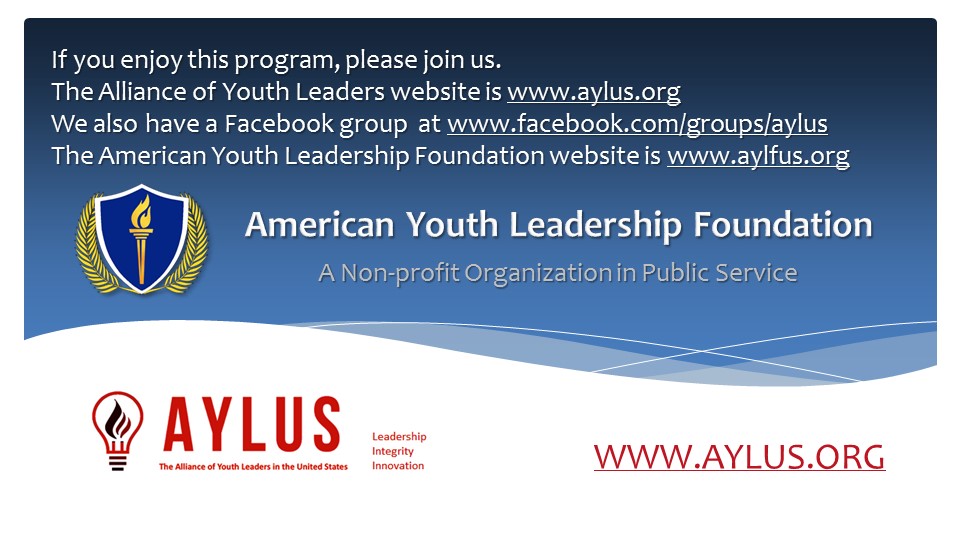 |
| * | If you need a customized close disclaimer such as those in AMC tutorial videos, please download the PowerPoint template and add your own information. | |
The following is a sample of AYLUS video: https://youtu.be/BXdhG7S0GXM