
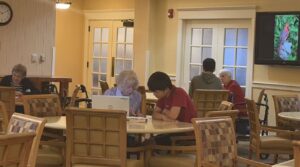
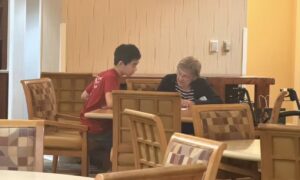
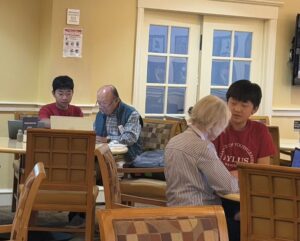
Today at Fellowship Village, volunteers helped seniors with a variety of technology questions. One senior needed assistance avoiding advertisements that appeared while playing video games, learning how to navigate the device’s settings, and downloading games. Another senior needed help lowering their phone’s screen brightness and downloading a video game. Volunteers also demonstrated how to send photos through messages by attaching them using the plus button. In addition, a senior needed help saving documents and copying and pasting information using the keyboard shortcuts Ctrl+C, Ctrl+V, and Ctrl+S. Another senior had difficulty accessing an account, so the volunteer helped them check for capitalization errors when entering their password. Volunteers also assisted a senior with organizing templates into a folder and creating additional pages by downloading templates, copying content, inserting page breaks, and pasting the content onto new pages. Finally, a senior needed help setting up and sending Zoom meeting invitations. The volunteer demonstrated each step and allowed the senior to practice the process independently.
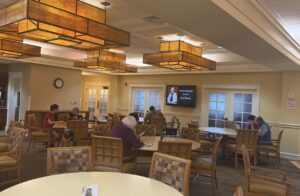
At today’s technology support session, volunteers helped seniors develop practical skills in using smartphones, computers, messaging applications, and online communication tools. Through patient, step-by-step explanations and hands-on practice, residents became more comfortable navigating their devices, managing documents, and completing everyday digital tasks. By encouraging seniors to practice the solutions themselves, volunteers supported greater independence and confidence in using technology. The session also provided an opportunity for volunteers and seniors to connect and strengthen the supportive community at Fellowship Village.
Jeremy Liu, Nathan Jin, Thomas Kim, Charlie Xu(2.5HR, 10/3/26)

Screenshot
Screenshot
Screenshot
Screenshot

Screenshot
Screenshot