
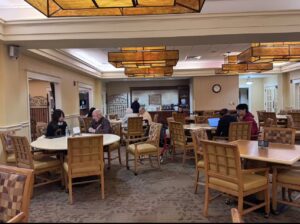
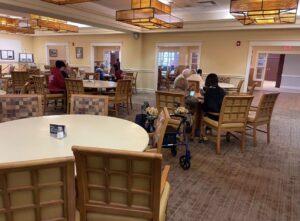
Today at Fellowship Village, there were many different seniors with a variety of questions. One senior had questions on how to use messages, use email, what individual icons meant, view a Youtube video and all associated actions with Youtube. There was also one resident with questions about features regarding zoom and general computer tips. Volunteers showed him how to use screen sharing features and let him practice with it a few times, and general tips to make it more consistent. Additionally, he had a virtual background he used to use that a volunteer helped search for. Lastly, the volunteer gave him directions on how to send zoom invites through email and let him practice doing it, along with how to use keyboard shortcuts such as copying, cutting, and pasting. There was also a volunteer who helped with questions about swiping to close previously opened apps. There was also another volunteer who wanted to turn on the brightness on their phone, make a reservation on their iPad, and learn how to use Touch ID. Another volunteer helped with questions about signing in to an app, which they later found out they couldn’t sign in because the app wasn’t on the most recent update. Finally, there was a senior with an old Widex phone that volunteers couldn’t solve that they are planning to revisit next week.
Other than just helping the seniors with technology, volunteers connected with the seniors in their local community and found out what it truly means to be part of one. The seniors also gained a sense of community from this session, and connected with our volunteers.
Claire Zhang, Angelina Gao, Evelyn Xu, Lucas Ni (2.5HR, 4/25/26)
Screenshot
Screenshot